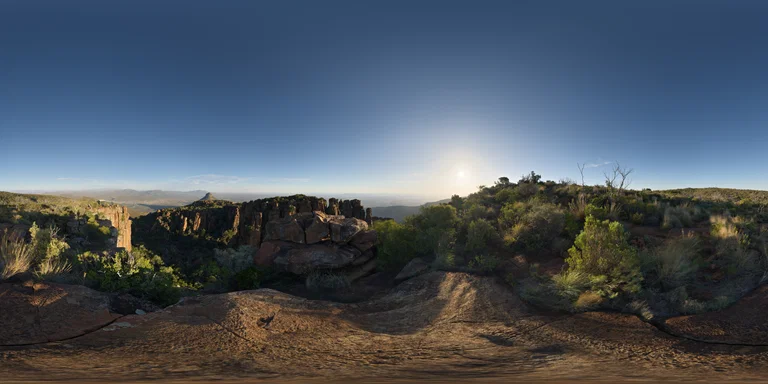
OutdoorClear
 Get HDRiris View
FREE DESKTOP HDRI MANAGER
Organize every HDR and OpenEXR file, understand its lighting, preview it on real materials, and move straight into your 3D workflow.
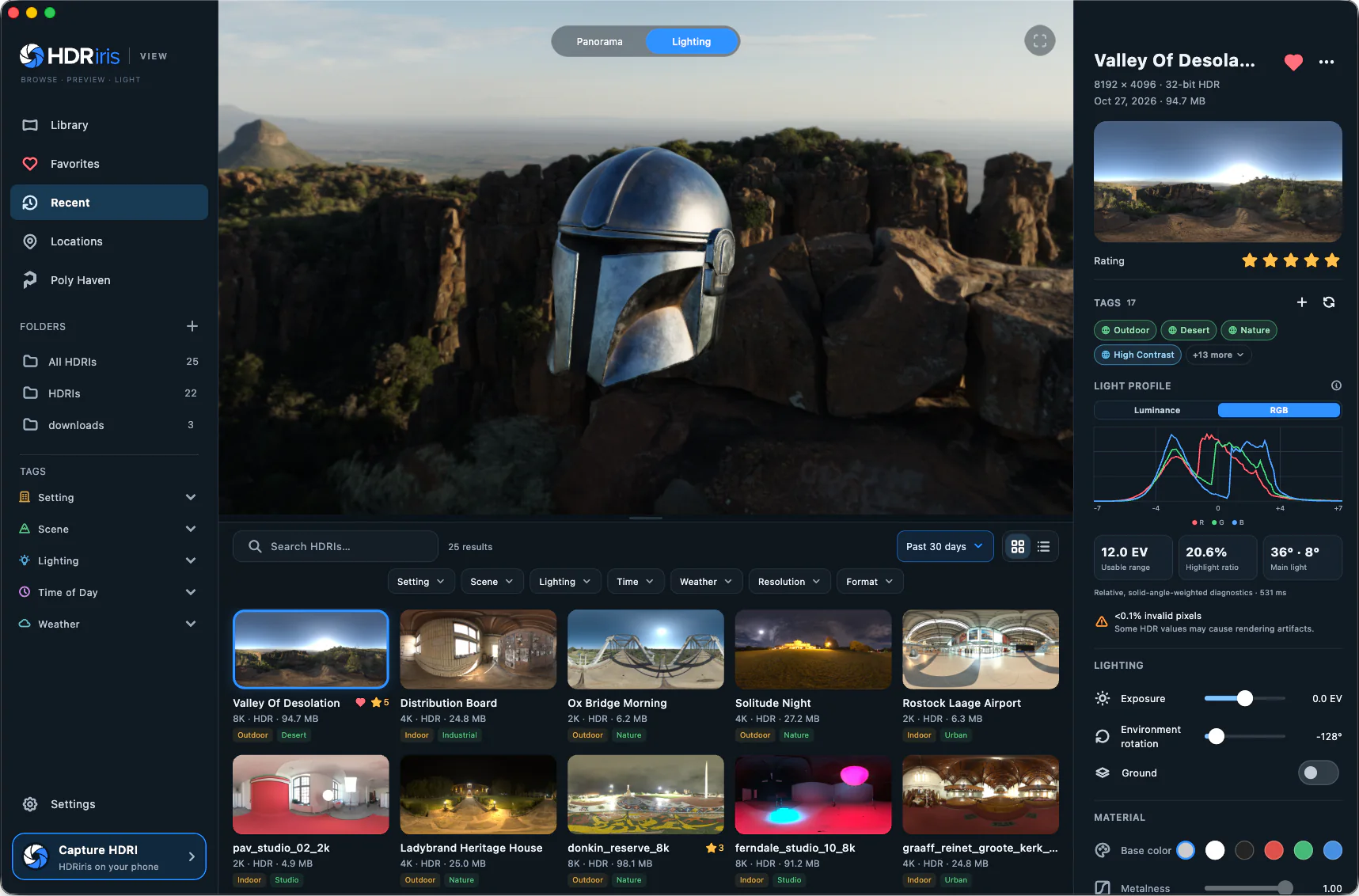
THE WHOLE LIBRARY, NOT ANOTHER FOLDER
01 / ORGANIZE
Add the folders you already use. On-device AI analyzes each HDRI and suggests searchable tags for its scene, lighting, weather and time—without moving, changing or uploading the original.
02 / PREVIEW THE LIGHT
Move between a flat panorama, immersive 360° view and a physically based lighting preview. Change exposure, rotation, surface response and model without touching the source file.
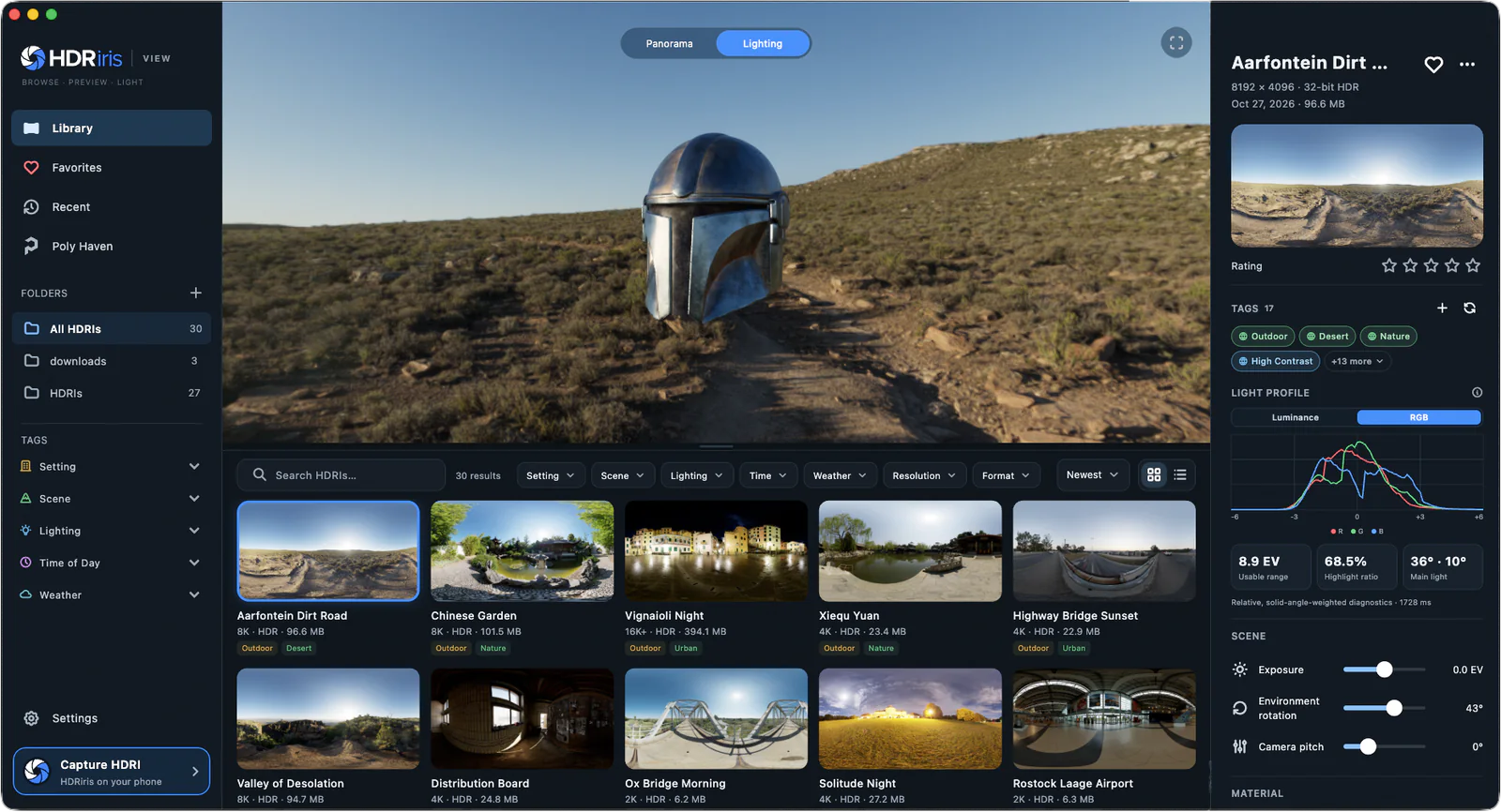
Relative, solid-angle-weighted diagnostics · 184 ms
03 / UNDERSTAND
HDRiris View reads scene-linear radiance, builds an interactive histogram, highlights quality issues and suggests useful tags with on-device analysis.
04 / DISCOVER
Browse free CC0 HDRIs from Poly Haven, filter the catalog, choose HDR or EXR and download the resolution you need directly into a watched folder.
Explore Poly HavenOutdoorClear
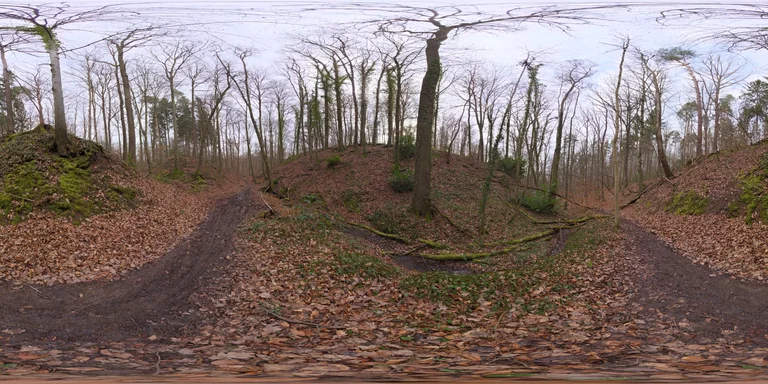
OutdoorOvercast
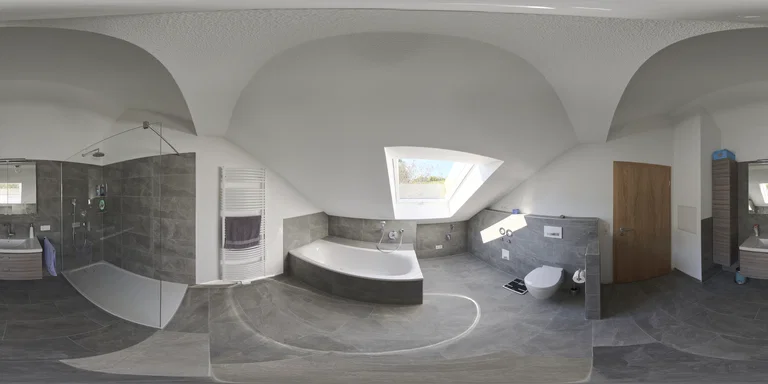
IndoorSoft light
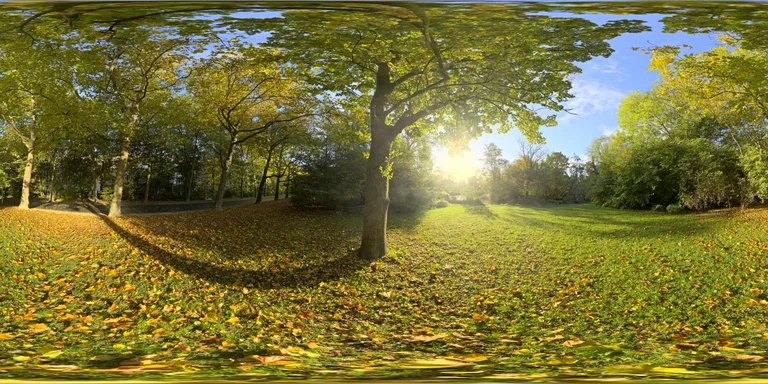
OutdoorSunrise
05 / USE IT
Apply the selected HDRI directly to a new Blender scene. Cinema 4D and Unreal Editor integrations are coming soon.
Apply the selected environment to a new Blender scene.
APPLY HDRIDirect Cinema 4D integration is currently in development.
COMING SOONDirect Unreal Editor integration is currently in development.
COMING SOONHDRIRIS VIEW 1.0.0
Free for macOS and Windows. No account required.
QUESTIONS
Yes. HDRiris View is a free desktop tool for organizing, inspecting and previewing HDRI libraries.
No. Watched folders remain under your control. HDRiris View stores its thumbnails, analysis and library metadata separately.
No. HDRI analysis and tag suggestions run on your computer. Poly Haven browsing uses the internet only when you open its catalog or download an asset.
HDRiris View indexes Radiance HDR and OpenEXR environments. You can also import static, self-contained GLB models for lighting previews.