
MOBILE HDRI CAPTURE
Capture HDRIs.
Anywhere.
Capture 360° HDR environments on your phone, preview the lighting on 3D models or in AR, and export 4K OpenEXR or Radiance HDR files.


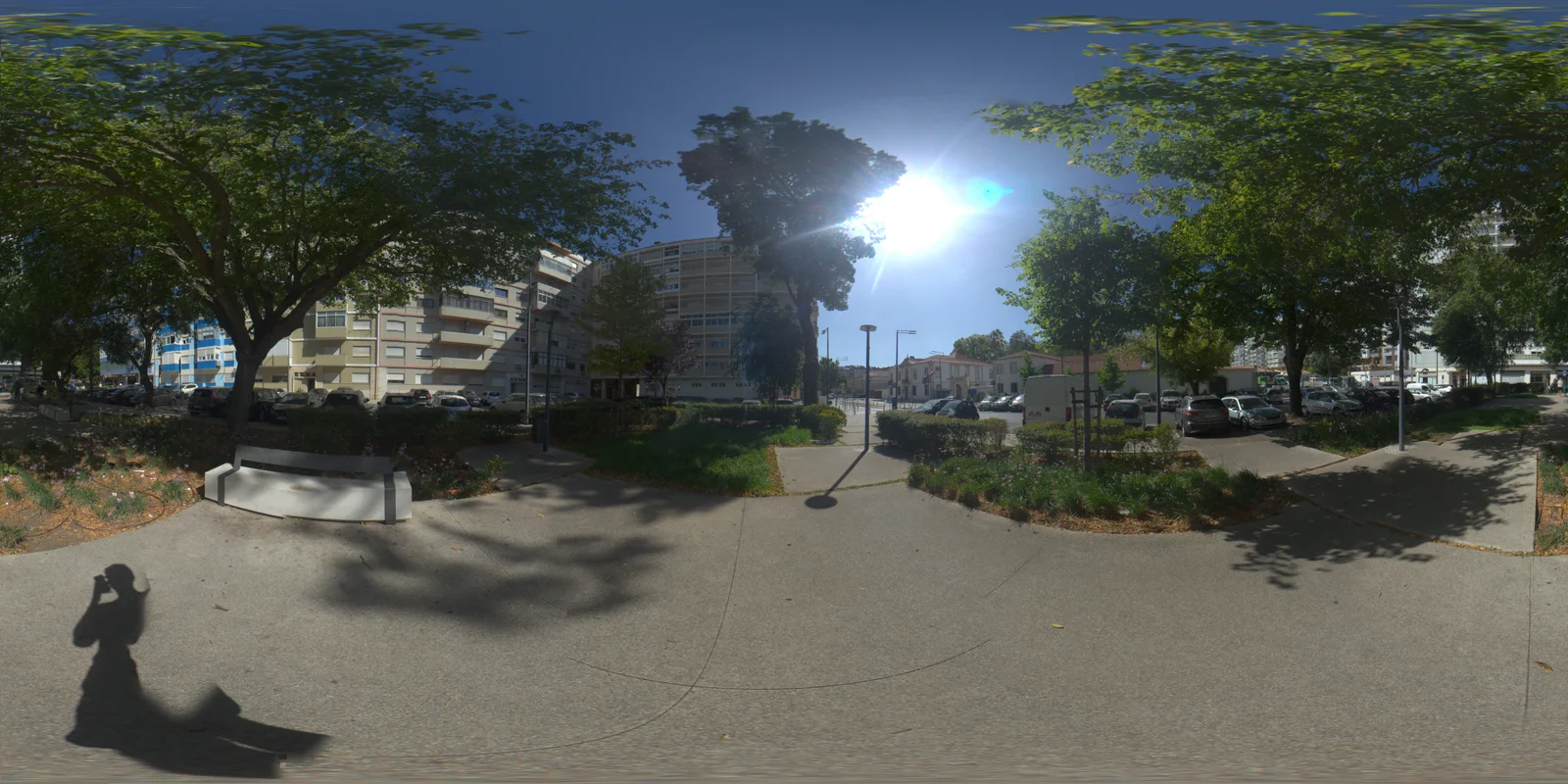
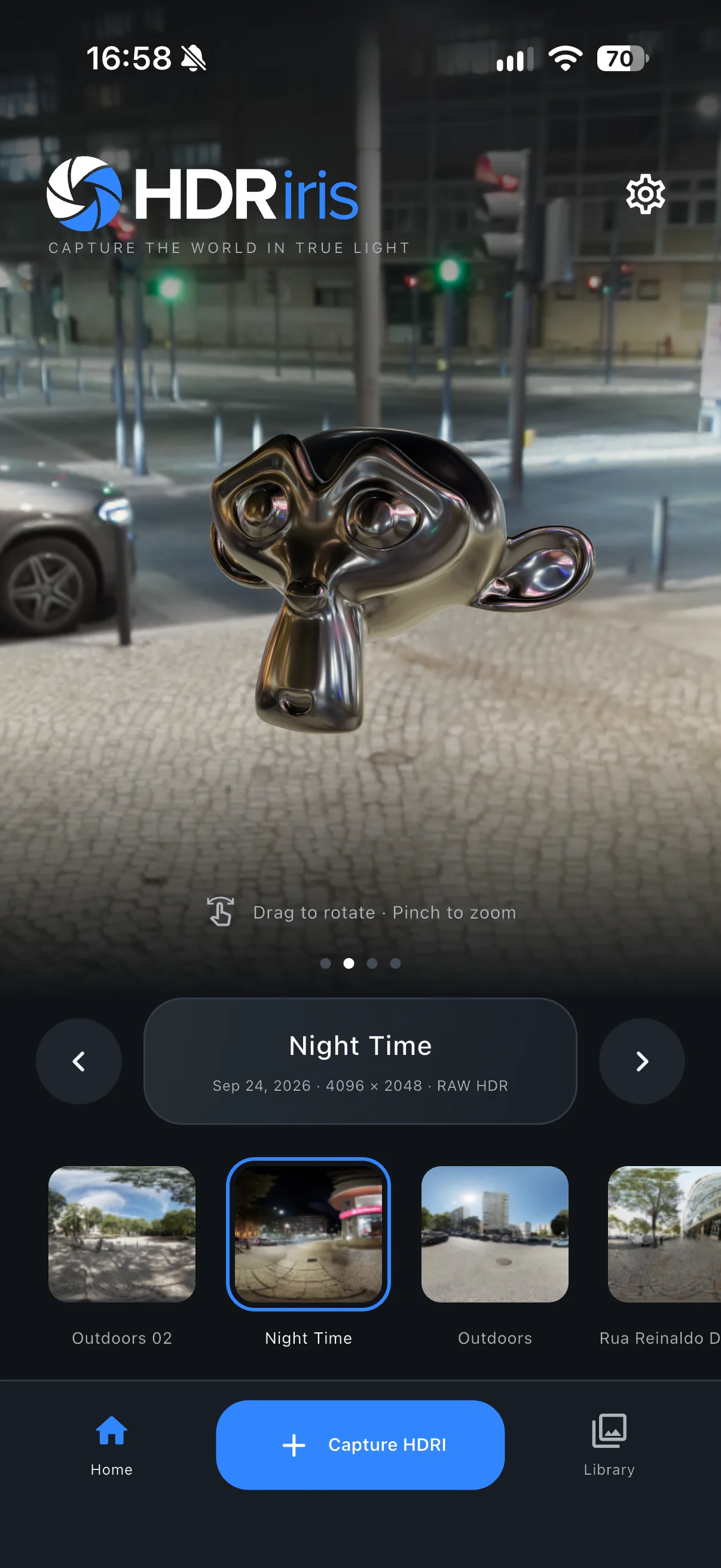
A 360° HDR environment, captured on your phone.
01 / INTERACTIVE LIGHTING PREVIEW
See your lighting
before you leave.
Rotate a 3D model under your captured HDRI and inspect reflections, highlights and exposure while you’re still on location.
02 / CAPTURE TO EXPORT
A complete
on-device workflow.
Capture, process, inspect and export without leaving the app.
- 01
Capture
Follow the 360° targets while HDRiris captures bracketed exposures.
Guided capture · HDR bracketing - 02
Process
Merge and stitch the capture into a 4K HDR environment on your device.
On-device processing · No uploads - 03
Preview
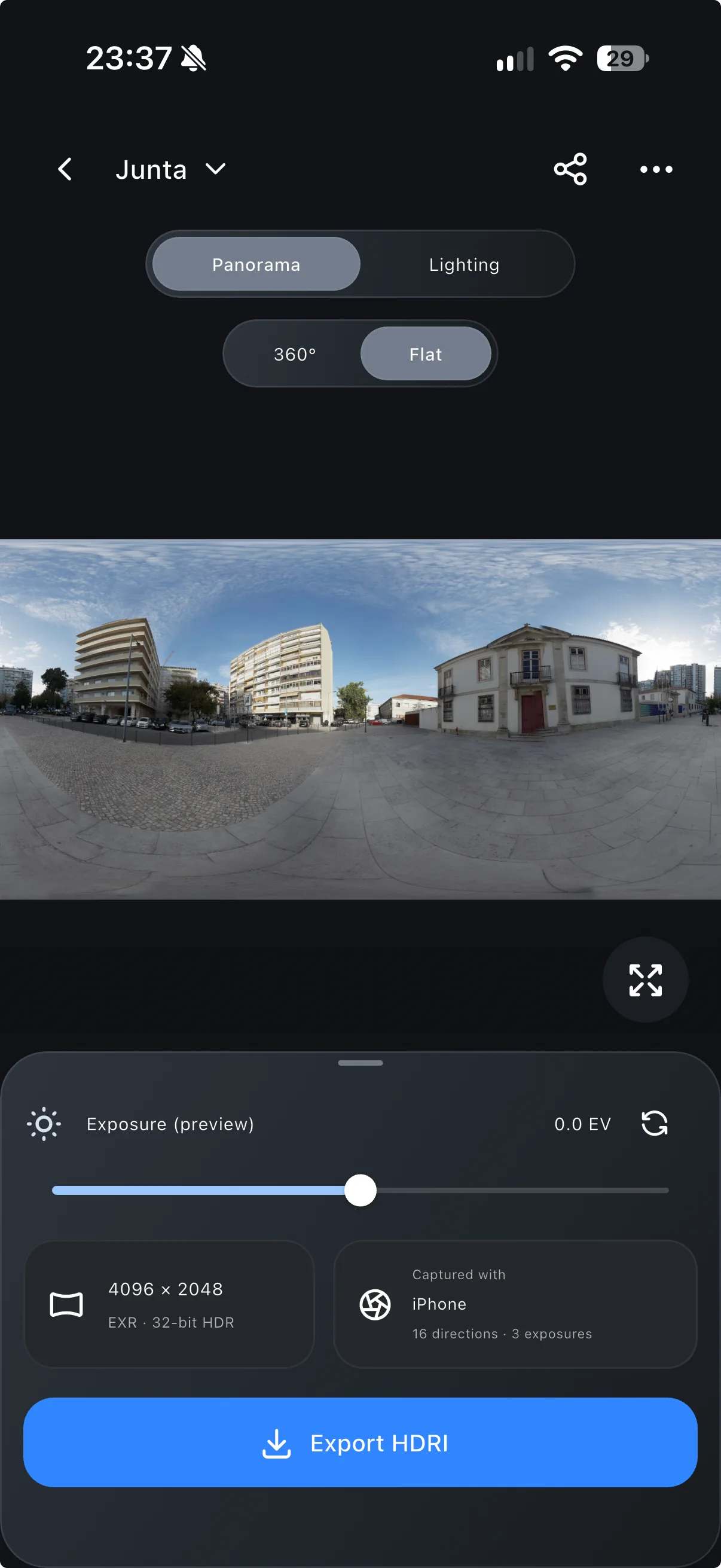
Inspect the panorama, light a built-in model or import your own GLB.
Custom GLB · Materials · Exposure - 04
AR
Place models in the original location and preview them under the captured lighting.
Surface placement · Multiple objects - 05
Export
Export 4K OpenEXR or Radiance HDR files for your creative workflow.
4K equirectangular output
03 / EXAMPLE CAPTURES
Captured
with HDRiris.
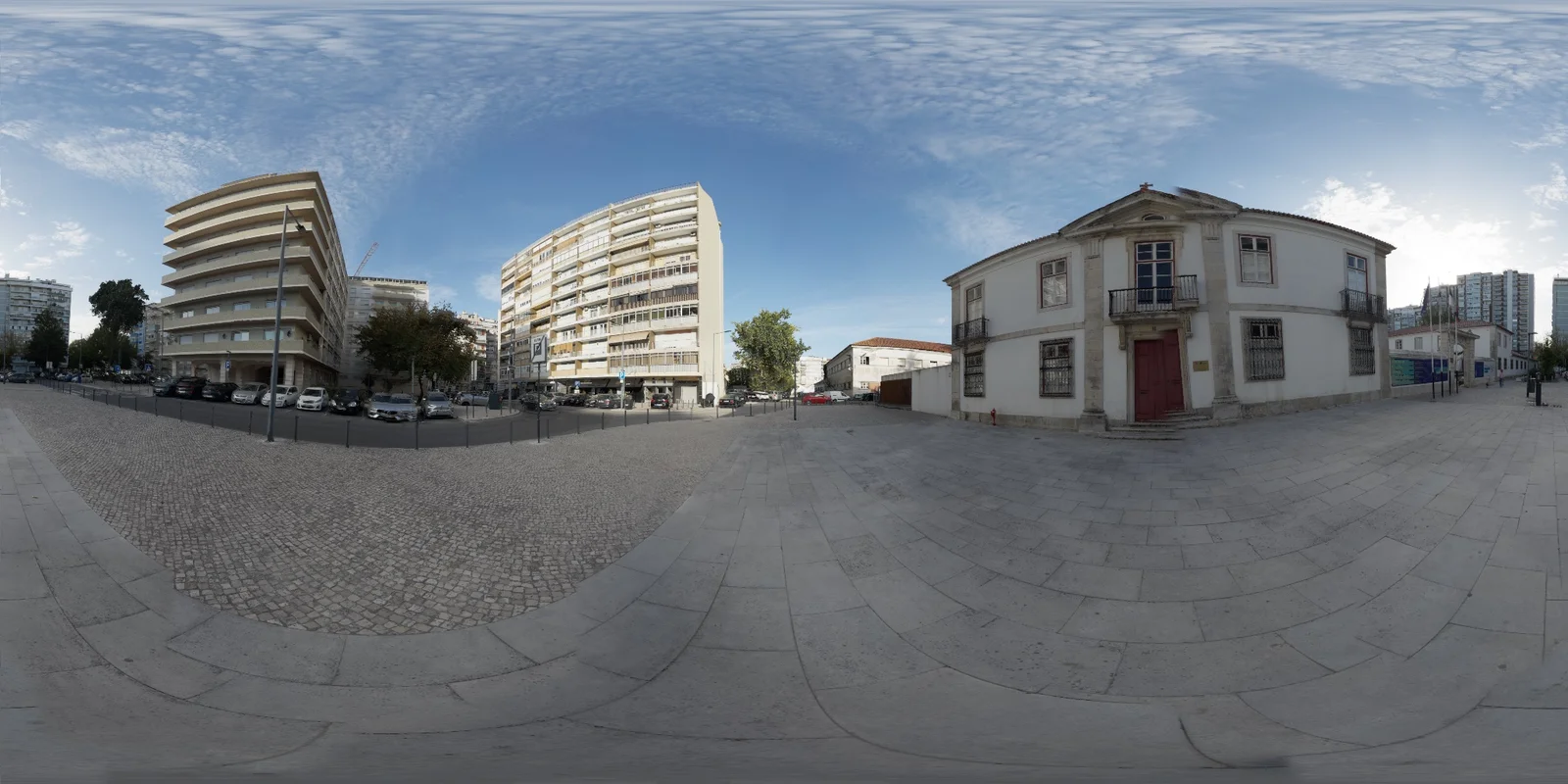
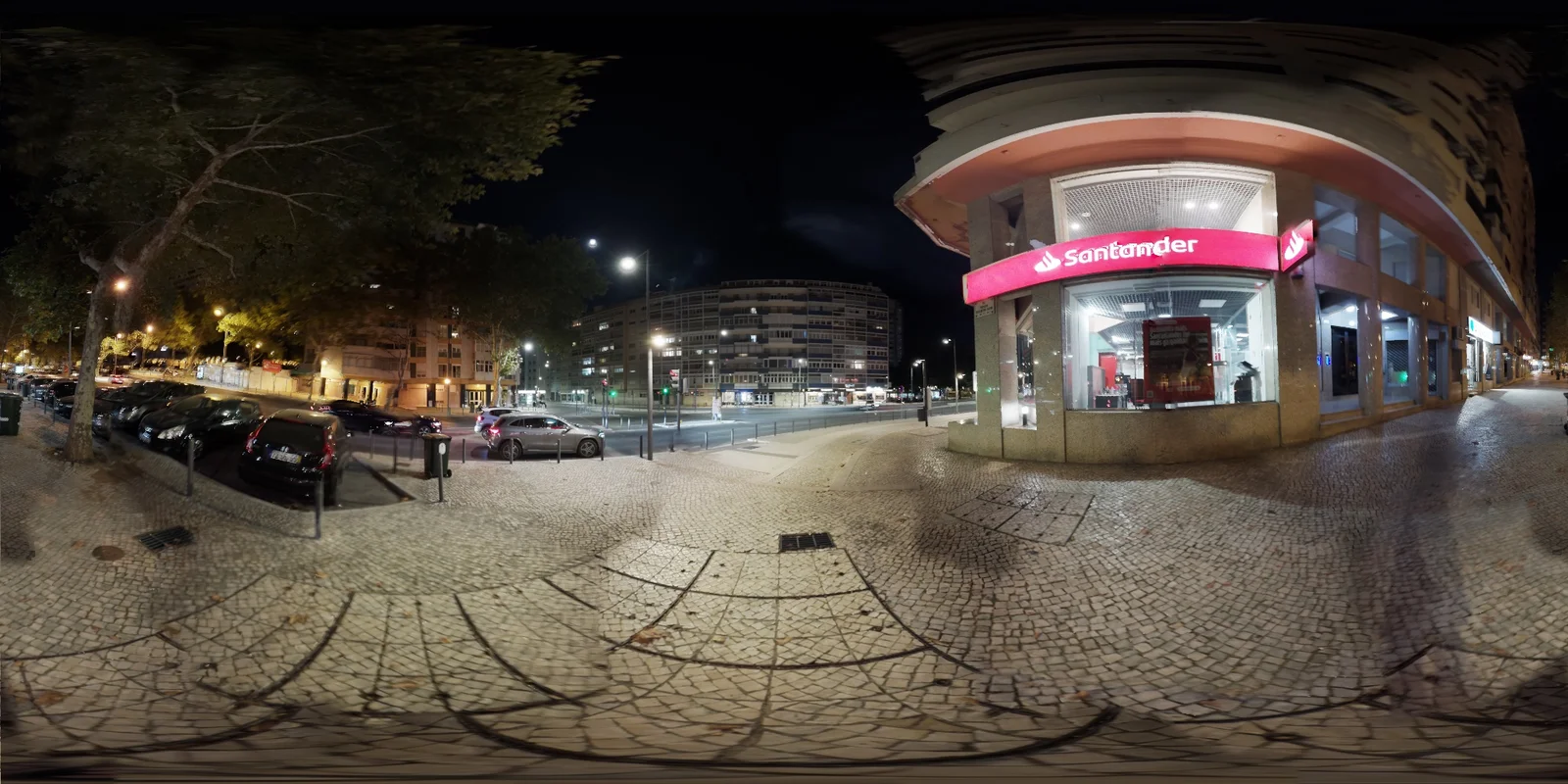
Daylight, deep shade and night scenes captured on a phone. Download the HDR files and inspect them in your own tools.
04 / CUSTOM MODELS + AR
Test the HDRI
on your own model.
Import a static GLB with its materials and embedded textures intact. Preview it under the captured HDRI, then place it in the original location with AR.
- Import static GLB models
- Preserve authored PBR materials and textures
- Place and arrange models in AR
HDRIRIS VIEW · FREE FOR DESKTOP
Your HDRI library,
ready to light.
Organize, analyze and preview every HDR and OpenEXR file on macOS and Windows.
CAPTURE HDRIS ON LOCATION
Capture, preview and export
from your phone.
HDRiris for iOS and Android.